
AI vs. Human Real Estate Photo Editing: Where Each Workflow Wins
AI and human editors are not mutually exclusive. Route predictable corrections to automation and difficult, material decisions to accountable review.
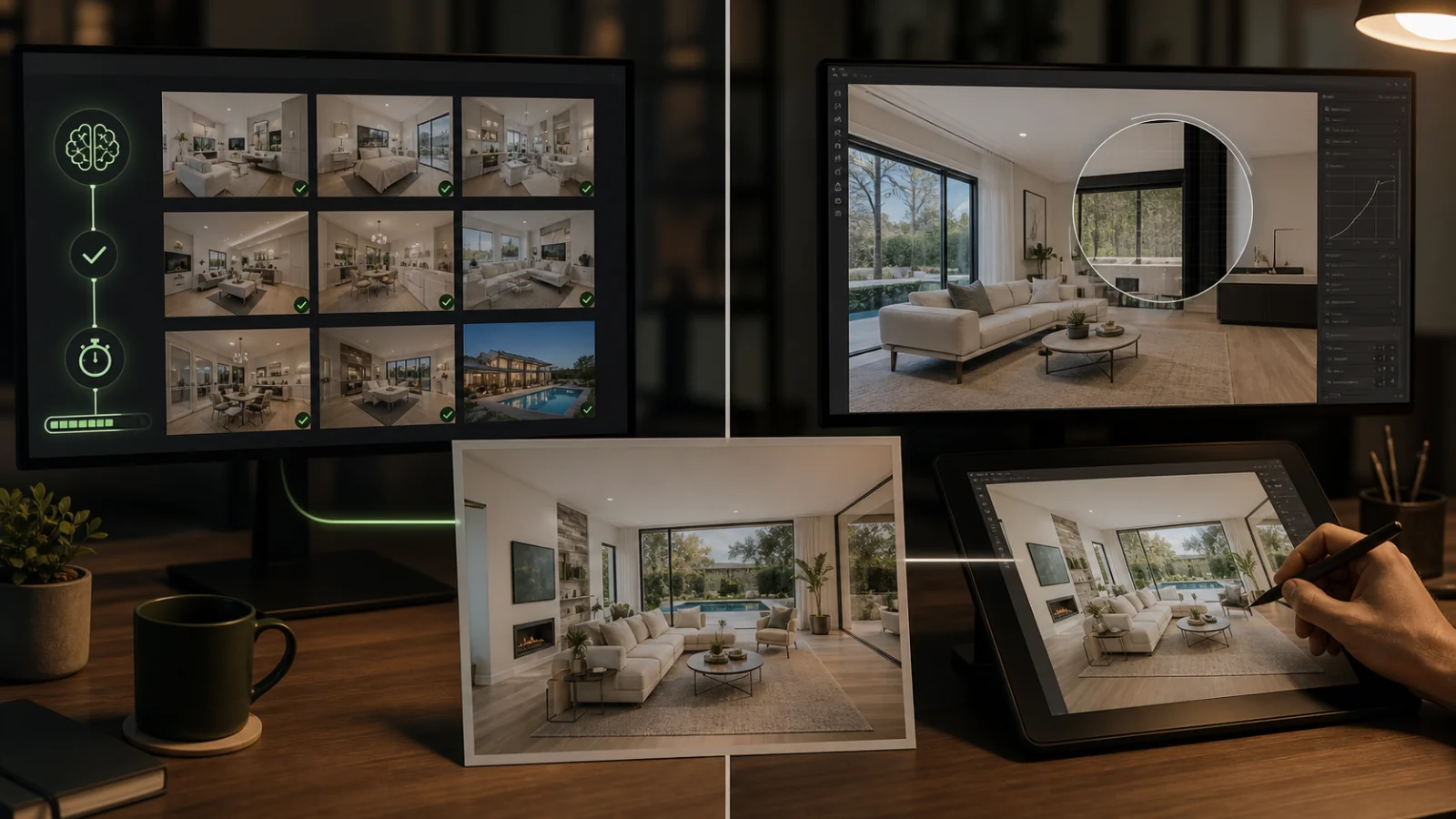
AI wins when the task is repeatable, the source is clear, and the acceptance criteria are measurable: exposure normalization, initial white balance, routine perspective, simple sky or window candidates, and batch consistency. Human editors win when the image contains ambiguous property facts, complex masks, mixed lighting, mirrors, premium hero work, unusual client taste, or a decision that requires accountability. The most reliable production system is usually hybrid. Let automation create a fast baseline, route exceptions to a skilled reviewer, and compare every accepted final with its source. Do not measure quality by whether a person clicked every control; measure fidelity, consistency, turnaround, revision rate, data handling, and final responsibility.
Where AI is strong
AI is effective at recognizing familiar visual patterns across many images. It can:
- Produce an initial exposure and color baseline.
- Apply routine corrections quickly.
- Identify windows, skies, walls, and floors for candidate masks.
- Generate virtual-staging or decluttering candidates.
- Standardize output sizes and repeated workflow steps.
- Reduce turnaround on normal images.
Its value grows with clear input standards. Good sources, defined task types, and a known review threshold reduce uncertainty.
Where human editors are strong
Humans can interpret context and negotiate tradeoffs:
- Is that mark a removable object or property damage?
- Should the exterior remain brighter than the room?
- Does a client’s “warm” reference mean wood tone, white balance, or mood?
- Is a changed window material enough to reject an otherwise attractive staging?
- Does a hero image justify manual edge work?
Skilled editors also recognize when the brief is inappropriate and can ask questions or refuse a misleading alteration.
Where both fail
AI fails when it invents, overgeneralizes, or hides uncertainty. Human editors fail through rushed review, inconsistent taste, misunderstood instructions, repetitive errors, or overuse of familiar presets. Neither label guarantees quality.
Common failures from any workflow include:
- Overbright, flat interiors.
- Gray or sticker-like windows.
- Inconsistent white balance across a listing.
- Altered fixed features.
- Aggressive sharpening and noise reduction.
- Repeated skies or furnishings.
- Incorrect file names, sizes, or color profiles.
- Missing source records.
Build QC around these outcomes rather than assumptions about the operator.
Design a hybrid routing system
Standard lane
Send technically sound images through a defined baseline: exposure, white balance, perspective, moderate window recovery, and export preparation.
Exception lane
Flag images with:
- Clipped windows central to the composition.
- Mixed or unusual lighting.
- Mirrors, glass, railings, and foliage.
- Large object removal.
- Virtual staging near fixed features.
- Premium campaign use.
- Unclear property condition.
These receive manual review or a specialist edit.
Approval lane
Compare accepted finals with sources. Check the full listing as a set. Record correction reasons so the routing rules improve.
Compare workflows with a test set
Use the same representative images, brief, deadline, and export specification. Score:
- Source fidelity.
- Exposure and color.
- Window and edge quality.
- Listing-level consistency.
- Delivery accuracy.
- Time to first candidate.
- Time to accepted final.
- Number and type of revisions.
- Data handling.
- Cost including internal review.
“AI returned an image in seconds” and “a person spent twenty minutes” are not final metrics. The accepted result and the review burden matter.
Cost is not just the invoice
AI may lower the marginal cost of a normal candidate. Human work may reduce risk on an exceptional image. Add:
- Intake and file preparation.
- Reviewer time.
- Revisions.
- Failed-image replacement.
- Subscription or vendor fees.
- Security and storage.
- Client communication.
A hybrid workflow often uses the cheaper method for predictable frames and spends expertise where failure has a higher cost.
Data and accountability
Ask the same questions of software and vendors:
- Where are files processed and stored?
- Are images used for training?
- Who can access them?
- How long are they retained?
- Can generative processing be disabled?
- Who is responsible for approving the final?
Automation should not erase ownership. Assign a named person or role to final review.
Match the workflow to image value
Not every frame deserves the same labor. A utility-room image may need a clean standard correction. A listing hero, premium view, or difficult facade may justify manual color and edge work. Build service levels:
- Standard listing frames: automated baseline plus sampled or exception review.
- Important room and exterior frames: automated baseline plus full human review.
- Premium hero or complex synthetic work: specialist edit and source-to-final approval.
This routing spends attention where an error has the greatest marketing or representation impact.
Use reviewer feedback to improve automation
Do not send corrections back as unstructured comments only. Tag the reason: exposure, white balance, window, edge, property change, style, export, or brief ambiguity. Review the totals monthly.
If window failures concentrate on sheer curtains, route that pattern earlier. If human editors repeatedly over-warm wood, update the reference set. The goal is not to prove which side is smarter; it is to reduce recurring defects across both.
Communicate the hybrid process clearly
Clients usually care about result, privacy, and accountability. Describe the process accurately: automated correction may create a candidate, a reviewer checks specified risk areas, and material synthetic changes are handled separately. Avoid claiming “fully manual” when automation is used or “fully automatic” when hidden human cleanup determines quality.
Revisit routing rules after major tool, client, or compliance changes.
Practical checklist
- ☐ Each task has clear allowed and prohibited changes.
- ☐ Normal images and exception images follow different routes.
- ☐ AI candidates are compared with the source.
- ☐ Human edits receive the same objective QC.
- ☐ The listing is reviewed as a complete set.
- ☐ Revision reasons are tracked.
- ☐ Data handling is documented.
- ☐ One role owns final approval.
Use the AI real estate editing guide for change boundaries and the high-volume workflow for production stages.
Frequently asked questions
Will AI replace real-estate photo editors?
It will automate more routine work. Difficult images, creative judgment, client communication, compliance, and accountability still require skilled review.
Is human editing always more accurate?
No. Humans can be inconsistent or rushed. Accuracy comes from good sources, clear standards, capable operators, and comparison-based QC.
Should clients be told that AI was used?
Follow platform, jurisdiction, contract, and client requirements. Material synthetic changes may require disclosure even when routine tonal correction does not.
How do I know which images need manual review?
Define exception triggers from actual failures: clipped windows, complex geometry, mirrors, object removal, staging, and premium hero use are useful starting points.
Can AI process RAW brackets?
Some specialized tools can, but Curbora treats source photos independently and does not replace a dedicated RAW bracket merge workflow.
Automate the baseline, keep judgment visible
Create consistent first-pass candidates and reserve human attention for the images and decisions that need it. Try the real estate photo editor.