Trust-first AI real estate photo processor

AI real estate photo editing for listing-ready media

Enhance, stage, declutter, and convert property photos while keeping originals, candidates, disclosures, and MLS-safe exports in one review workflow.

  • Originals stay attached to every edit
  • Virtual staging includes disclosure labels
  • Review candidates before export
  • Blocked edits stay out of listing packages
4.9/5from real estate media teams
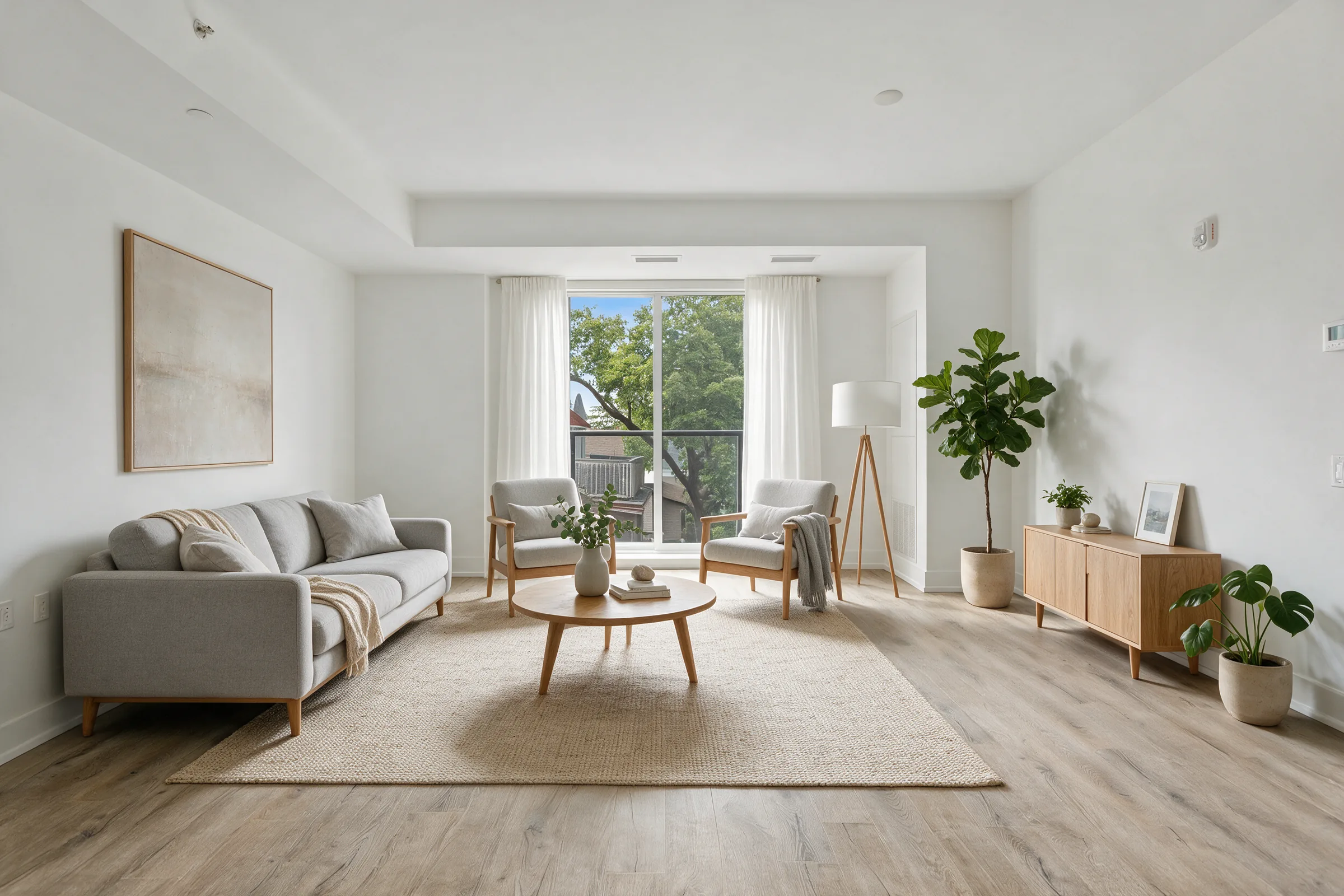
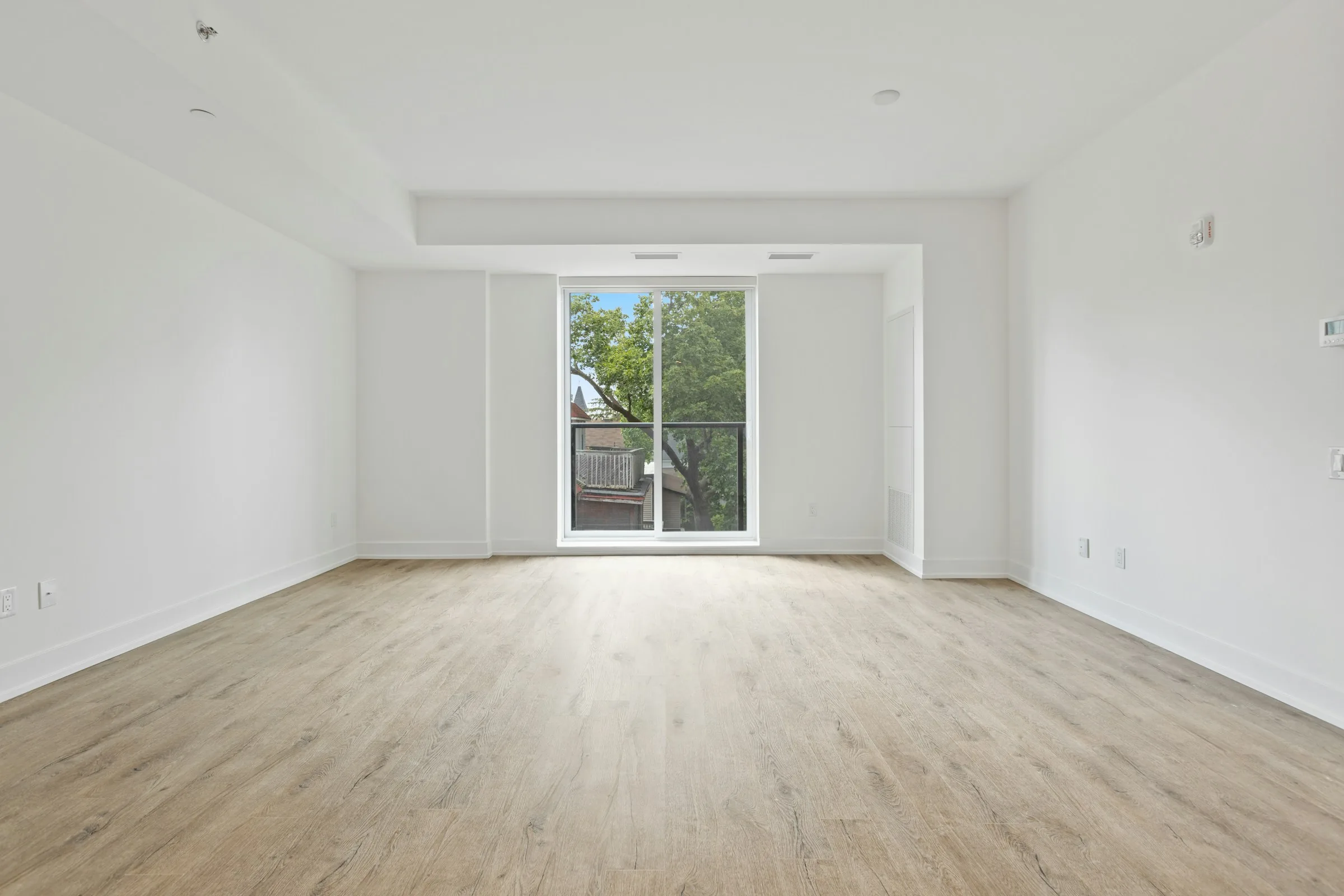
Empty white living room before and after virtual staging with neutral furniture after
Empty white living room before and after virtual staging with neutral furniture before
BeforeAfter
Virtual Staging
Hero comparison examples

Listing photo services

Four edits. One workflow.

Enhance, stage, declutter, or create dusk edits with every original attached.

Service 012 credits per source photo

Photo Enhance

Exposure, white balance, color, clarity, and light perspective cleanup for natural listing photos.

  • Correct exposure and color without changing property facts.
  • Balance window light and interior detail for a natural finish.
  • Keep the original paired with every generated candidate.
Controlled workflow

Keeps property facts intact while improving the photo enough for listing review.
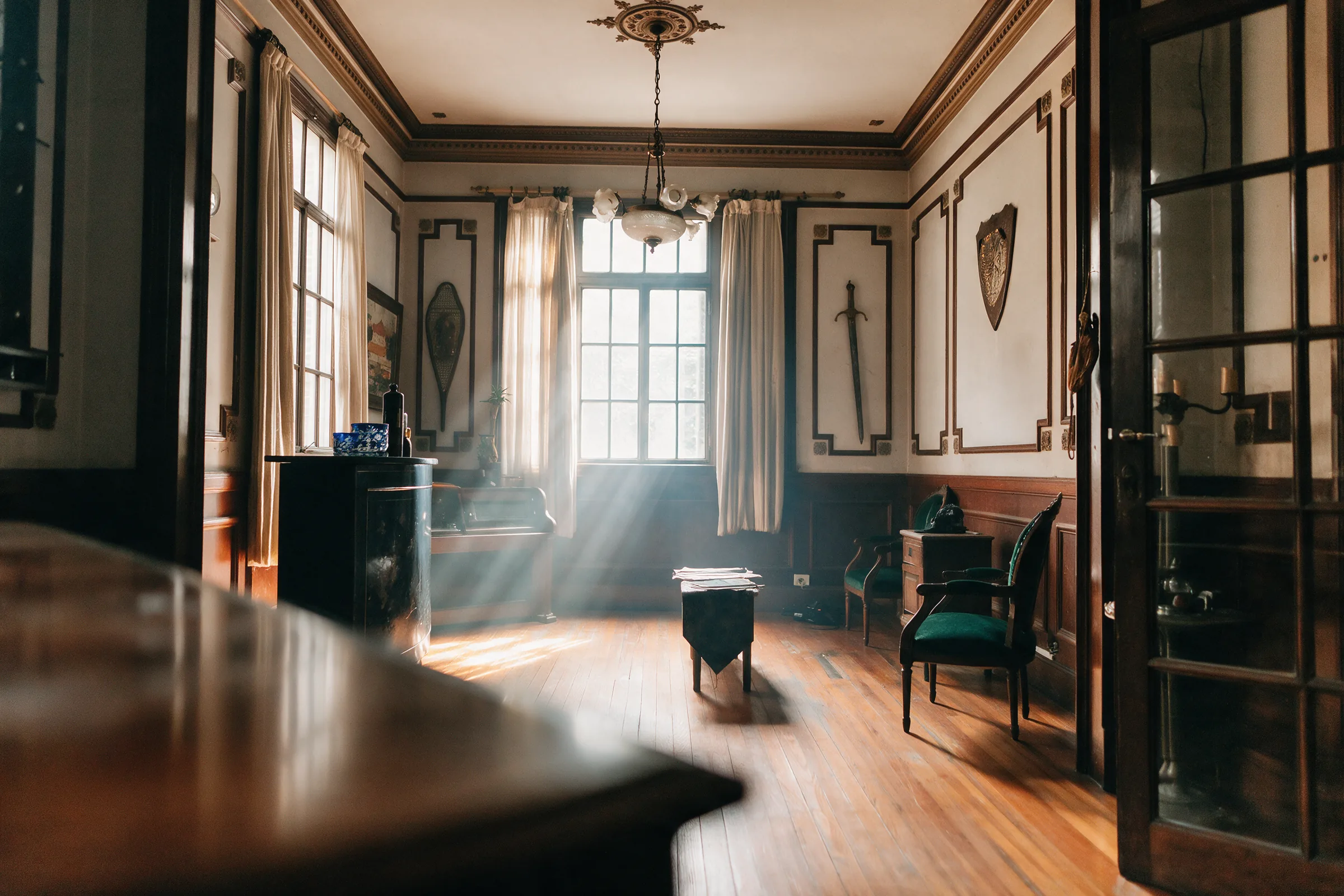
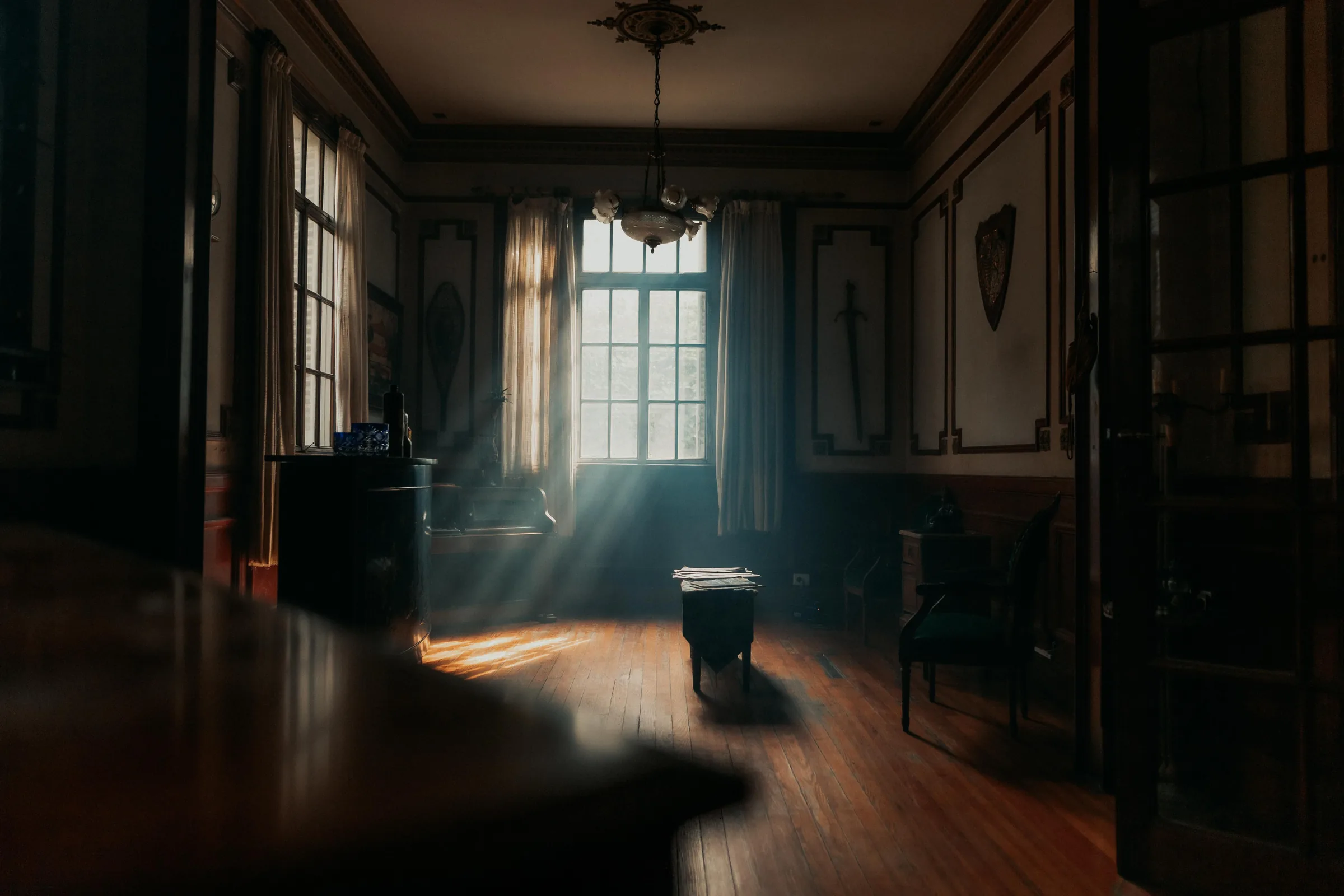
Sunlit parlor before and after real estate photo enhancement edited
Sunlit parlor before and after real estate photo enhancement original
OriginalEdited
Service 027 credits per source photo

Virtual Staging

Add credible furniture and soft goods to vacant rooms while preserving fixed features.

  • Furnish vacant rooms with coherent scale and perspective.
  • Preserve walls, fixtures, views, and room geometry.
  • Export selected finals with their disclosure context.
Controlled workflow

Pairs every staged result with the original and marks disclosure as recommended.

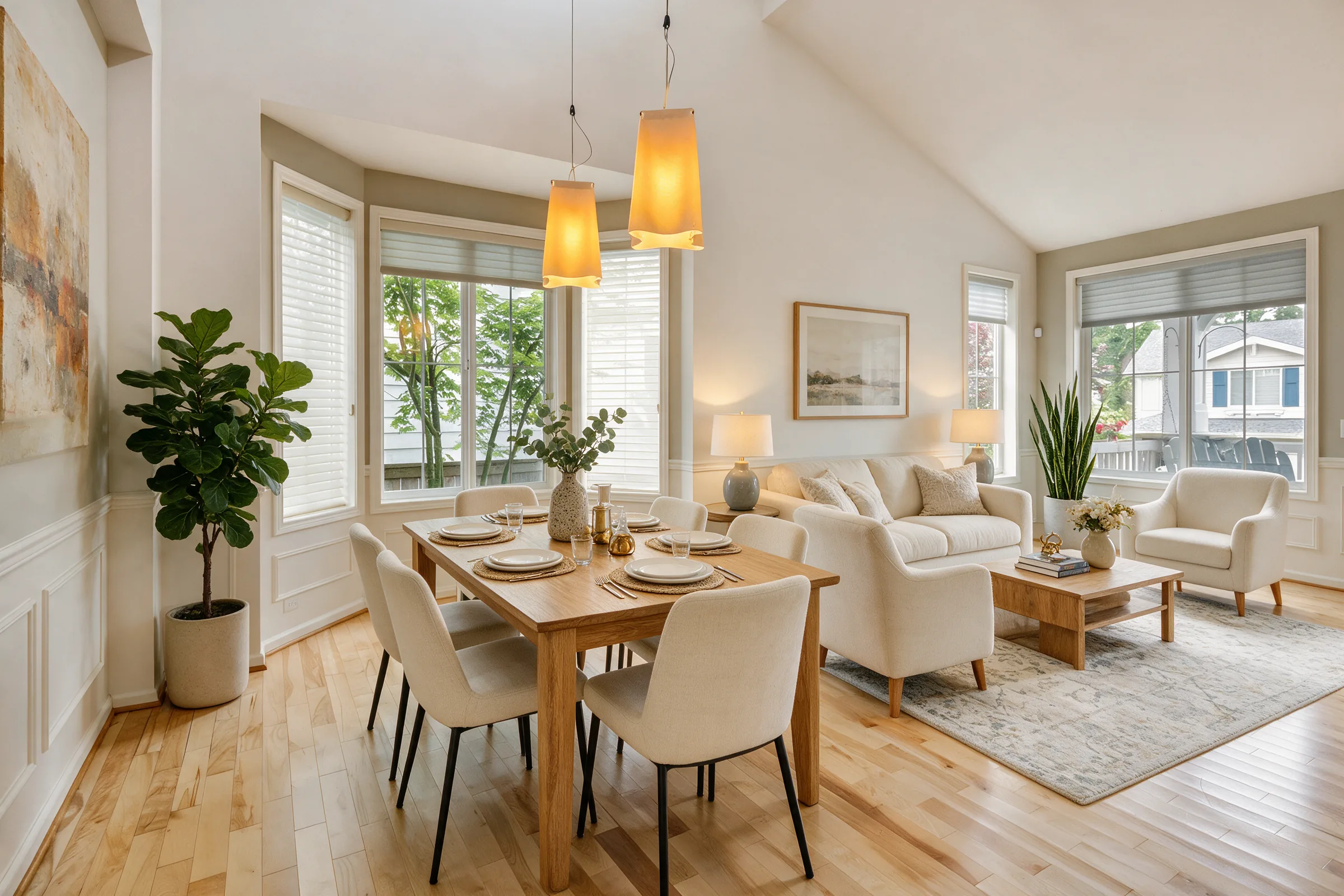
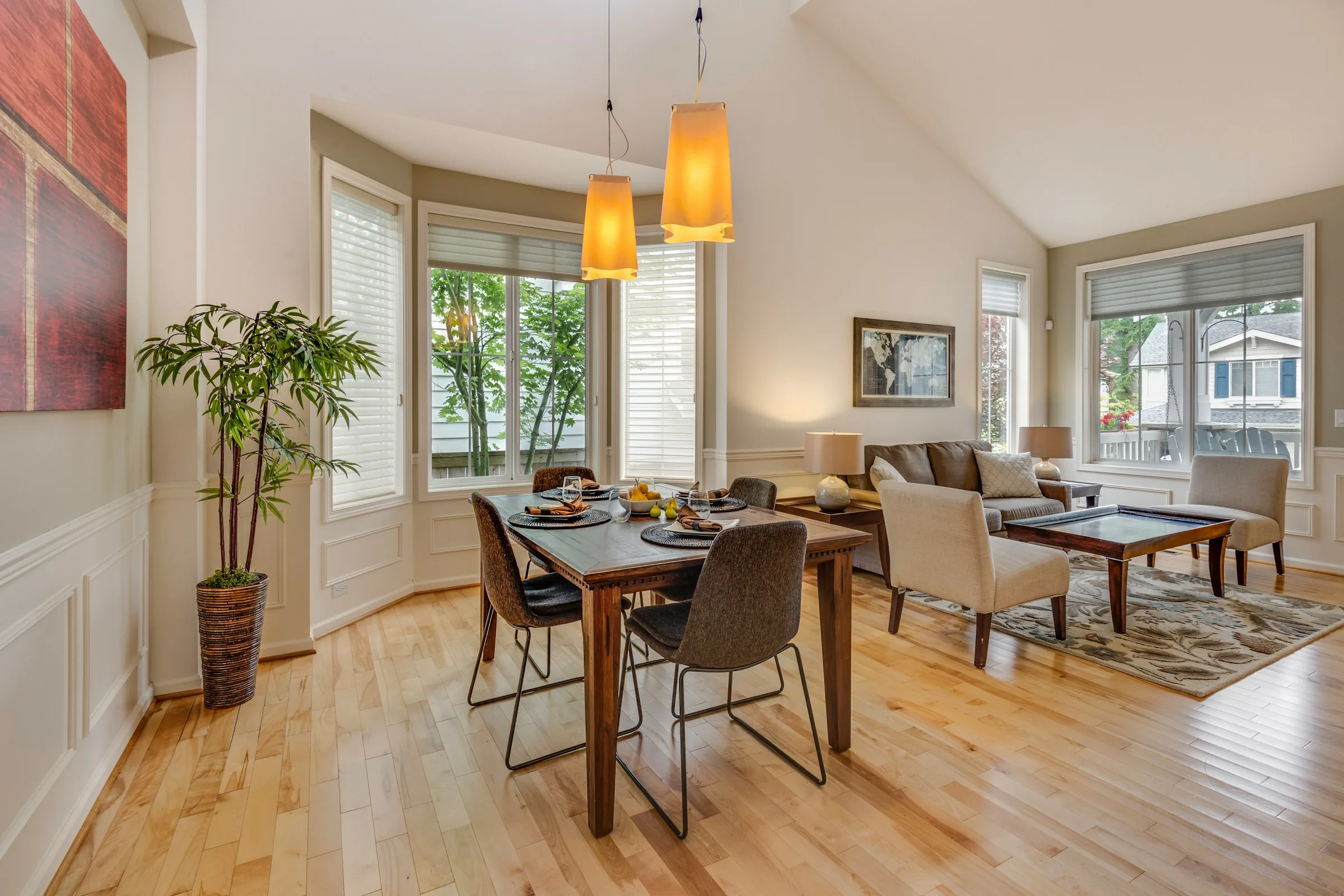
Empty dining and living room before and after virtual staging edited
Empty dining and living room before and after virtual staging original
OriginalEdited
Service 033 credits per source photo

Declutter

Remove temporary clutter, personal items, privacy details, and movable old furniture.

  • Remove temporary objects, personal items, and privacy details.
  • Keep defects, fixtures, and permanent finishes visible.
  • Review every candidate directly against the source photo.
Controlled workflow

Blocks requests that alter defects, fixed fixtures, walls, windows, or permanent property facts.

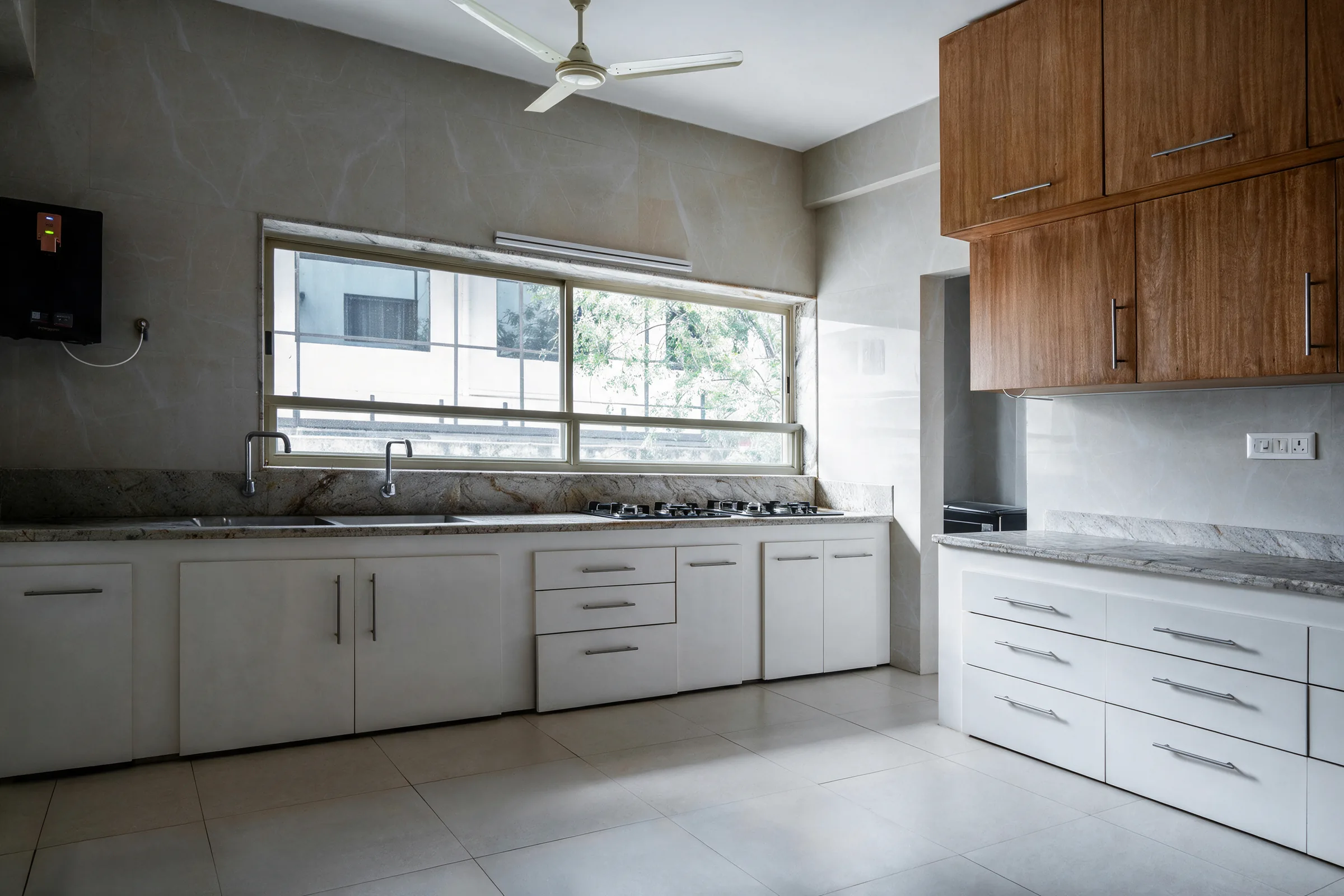
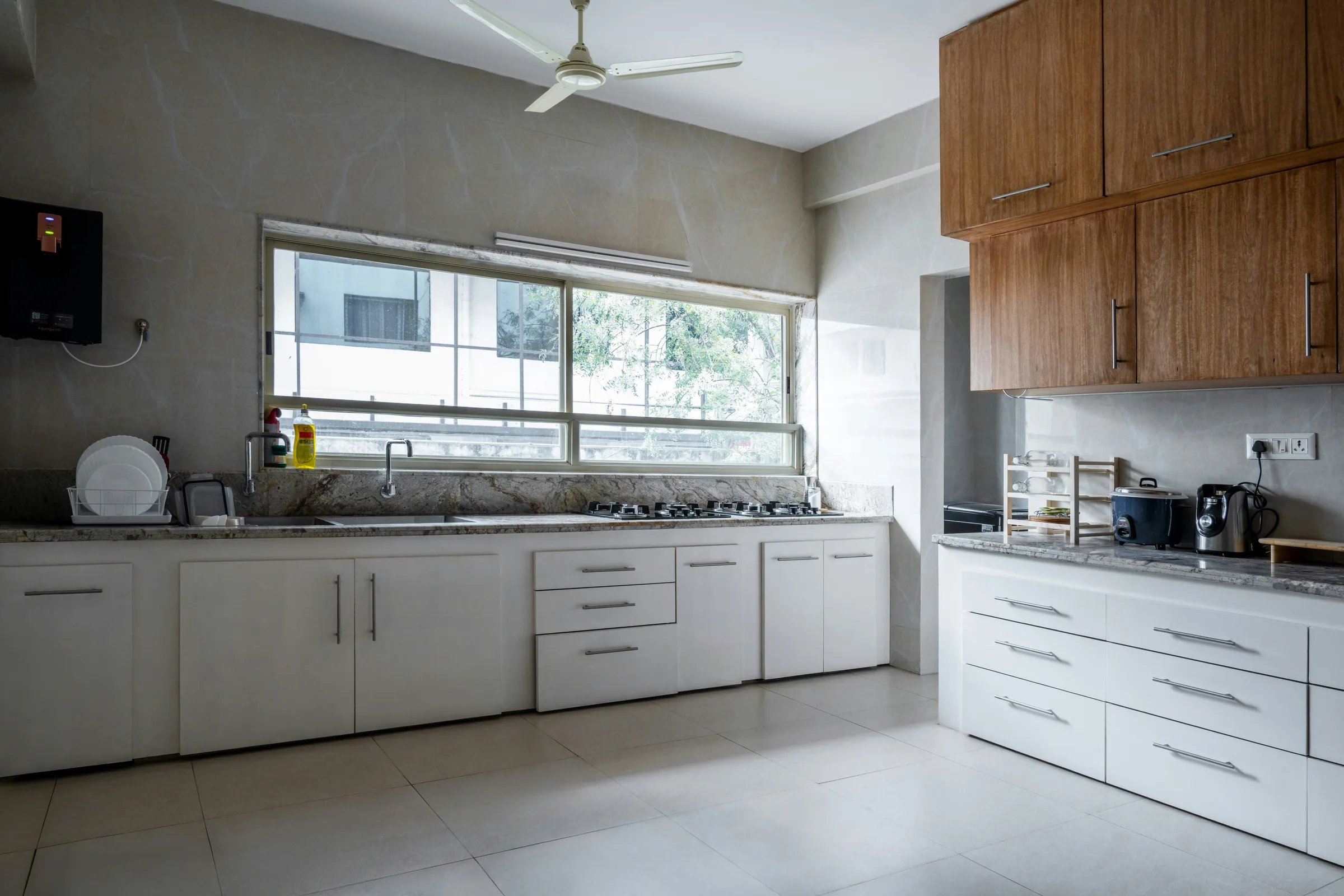
White kitchen before and after decluttering for a listing edited
White kitchen before and after decluttering for a listing original
OriginalEdited
Service 042 credits per source photo

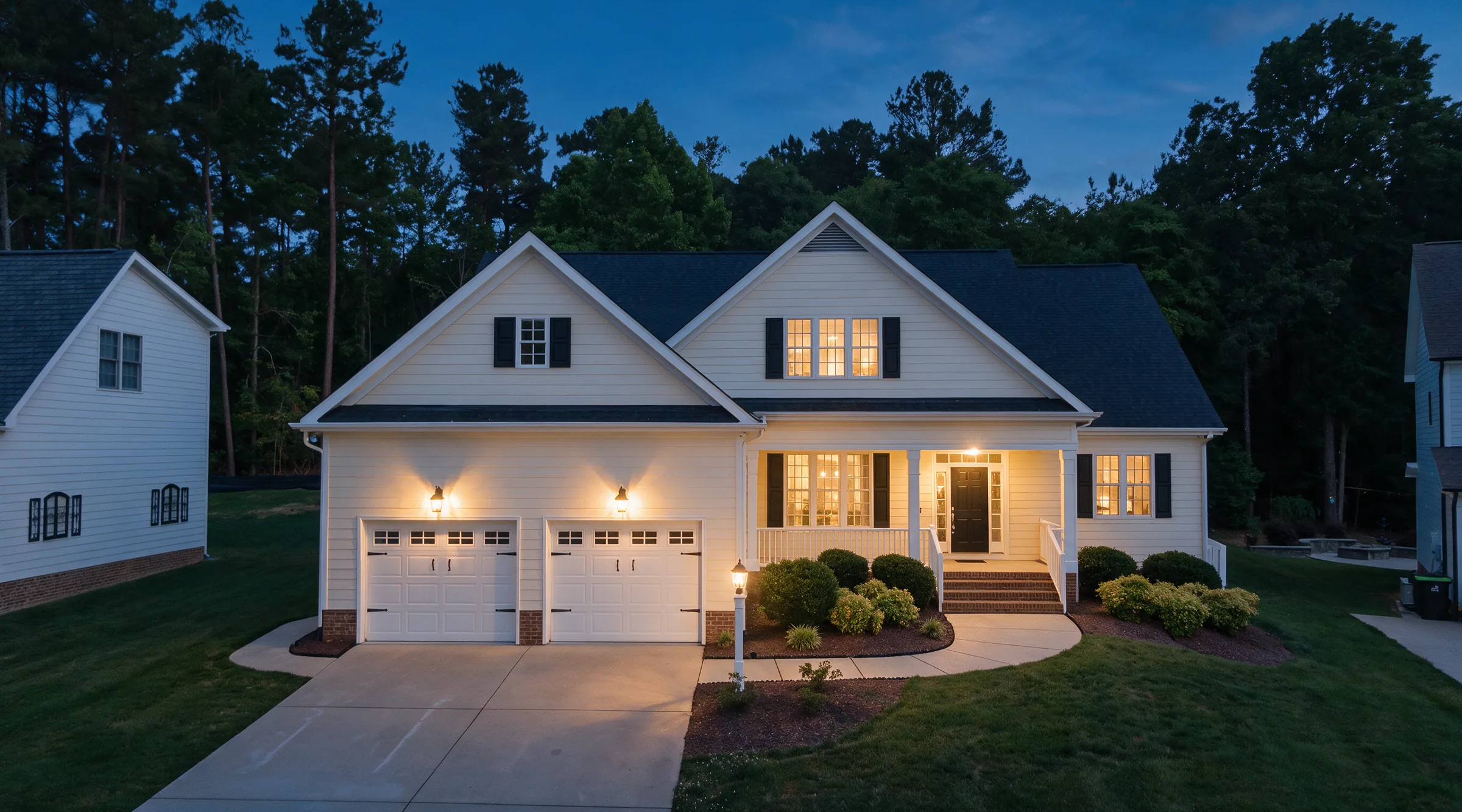
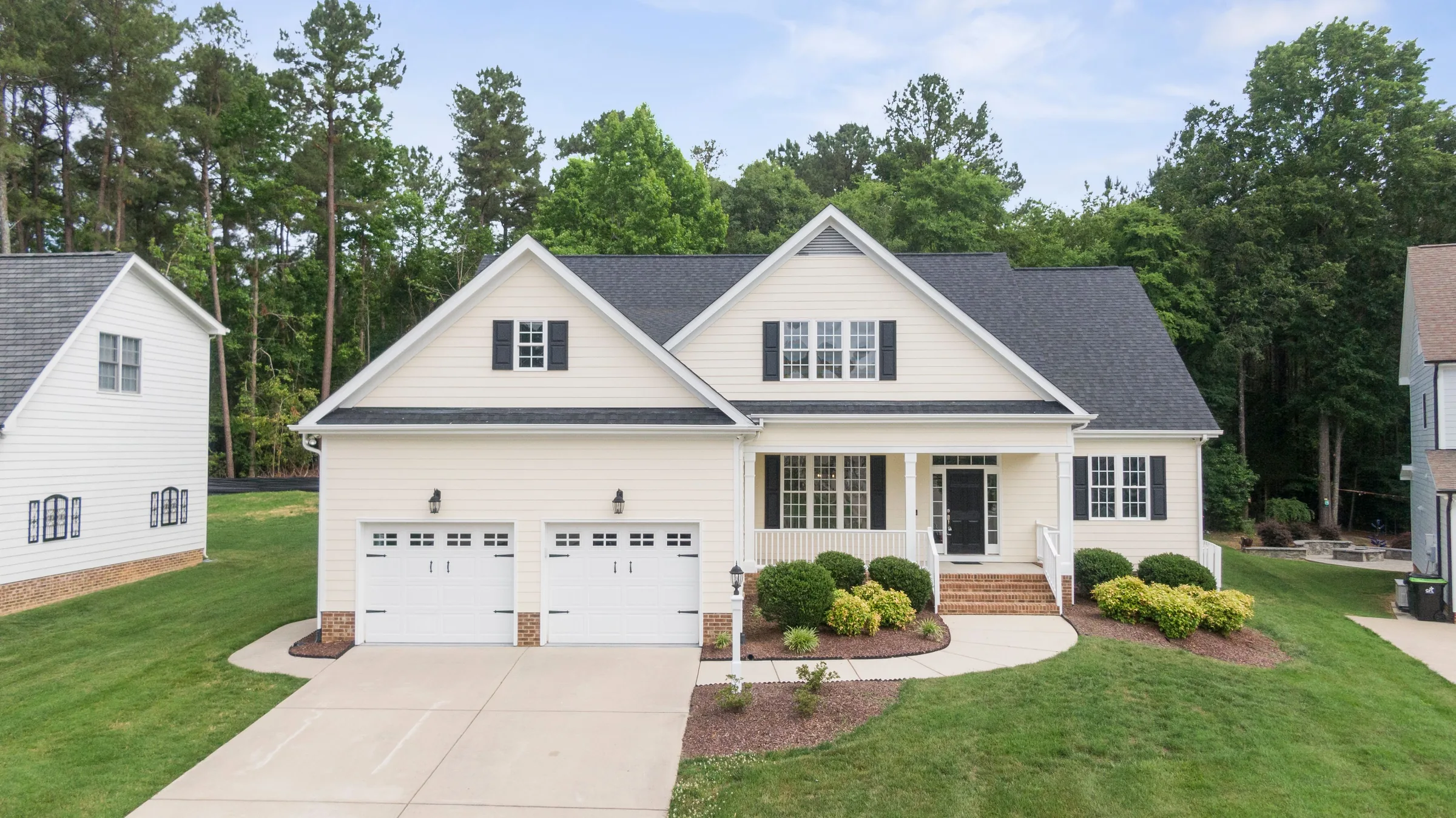
Day to Dusk

Convert exterior daylight shots to twilight ambience without inventing property features.

  • Shift sky and ambient light into believable twilight.
  • Keep architecture, landscaping, and surroundings intact.
  • Avoid invented lighting, views, or exterior features.
Controlled workflow

Changes atmosphere only; requests for new lights, landscaping, or skyline changes are blocked.

Two-story country house before and after day to dusk conversion edited
Two-story country house before and after day to dusk conversion original
OriginalEdited

How it works

Get listing-ready photos in minutes

Follow four controlled steps to turn property photos into publishable listing media with originals and disclosures connected.

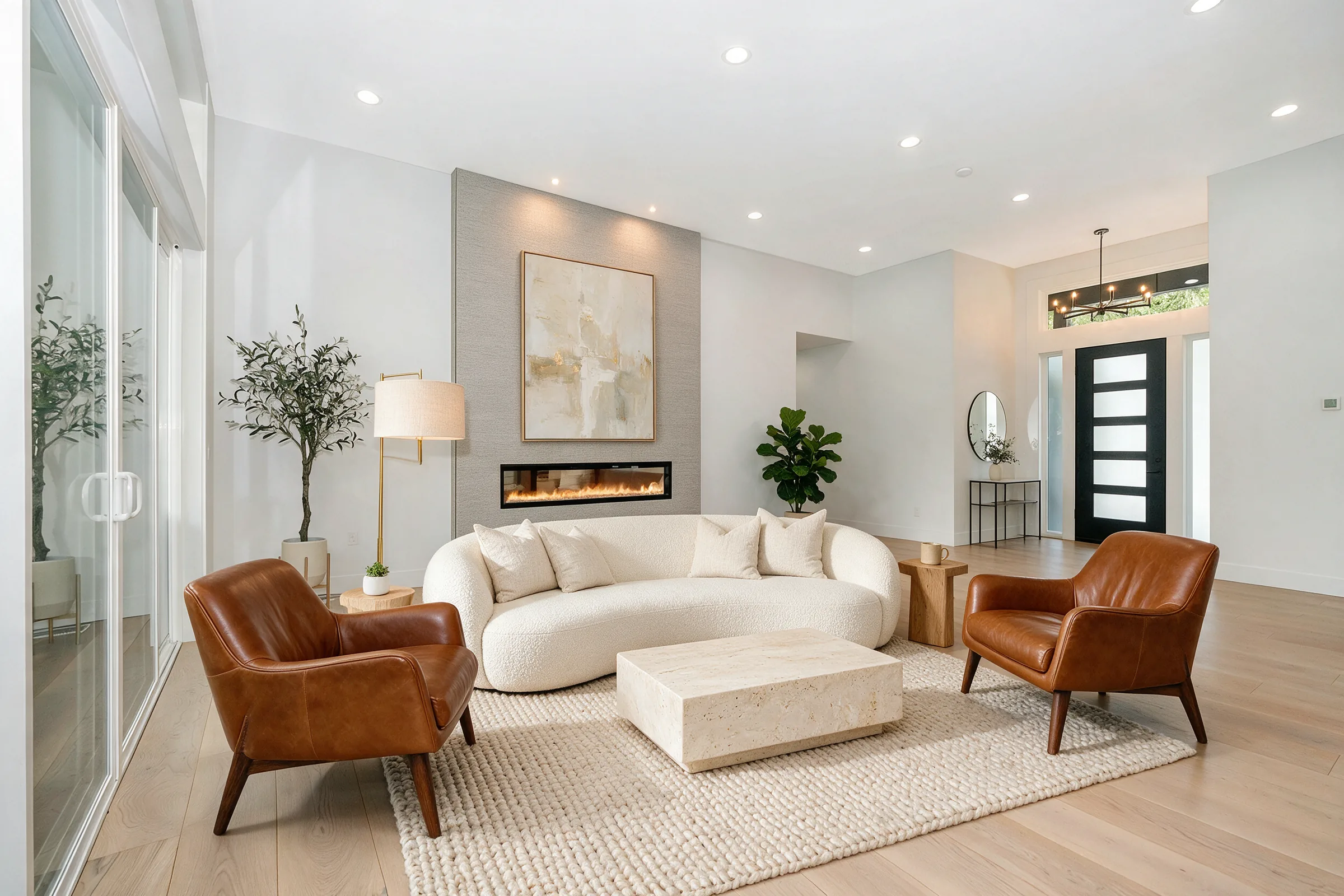
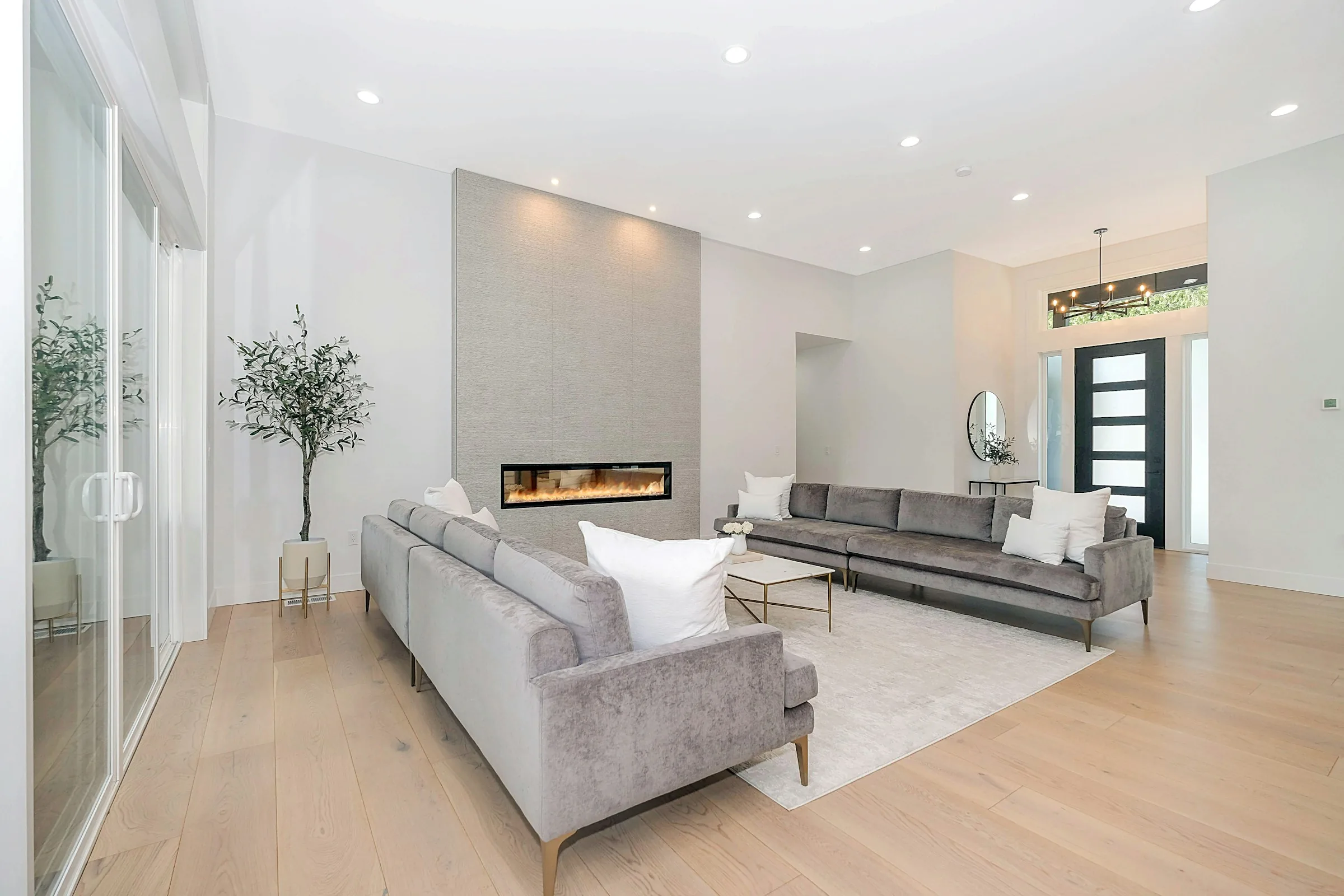
Empty fireplace living room before and after virtual staging edited
Empty fireplace living room before and after virtual staging original
OriginalEdited
Stage and compareVirtual Staging
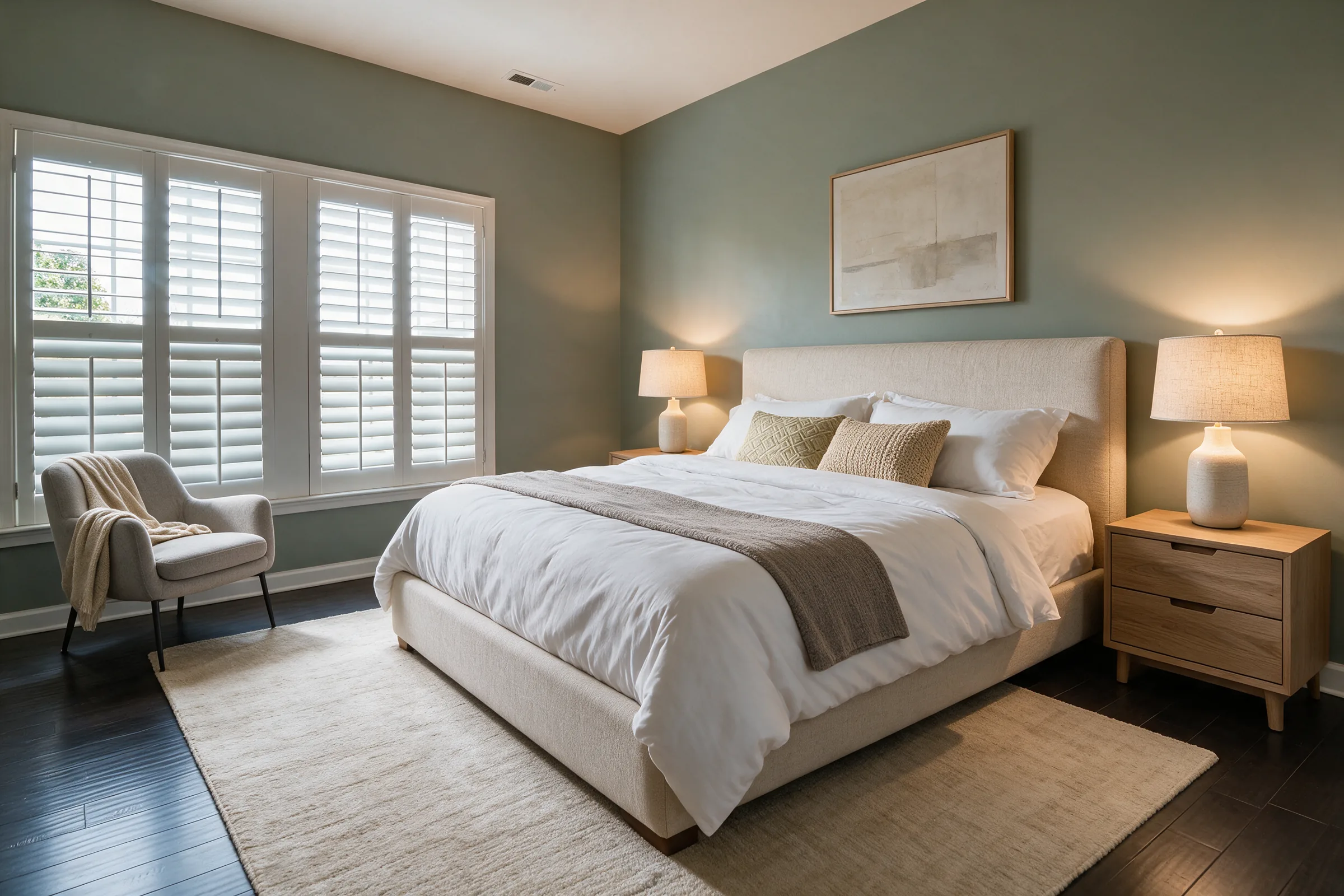
Empty sage bedroom before and after virtual staging edited
Empty sage bedroom before and after virtual staging original
OriginalEdited
Review candidatesVirtual Staging
White suburban house before and after day to dusk conversion edited
White suburban house before and after day to dusk conversion original
OriginalEdited
Select finalsDay to Dusk
01Upload

Upload photos

Add furnished or vacant listing photos.

02Edit

Choose a service

Select enhance, staging, declutter, or dusk.

03Review

Review candidates

Compare generated options and select finals.

04Export

Download finals

Export selected finals in one project ZIP.

More than a one-off edit

One workflow for every listing photo

Enhance, declutter, stage, and create dusk versions while originals, candidates, approvals, and disclosure context stay connected to the property.

Curbora workflow

  • Compliance stays attached: Originals, labels, review status, and MLS-safe exports stay connected.

  • Faster review workflow: Move from upload to candidates to delivery packages in one place.

  • Predictable listing cost: Credits follow source photos instead of open-ended revision loops.

  • Source-backed finals: Finals keep source files, candidate history, and export purpose.

VS

Loose image edits

  • Disconnected files: Originals, finals, and staging labels can drift into separate folders.

  • Manual coordination: Briefs, revisions, and approvals move through emails and handoffs.

  • Unclear pricing: Extra edits and one-off jobs make per-listing cost harder to predict.

  • Weak audit trail: Final images can lose source context before broker or MLS review.

Made for real estate teams

Built for the people behind every listing

Curbora gives agents, photographers, and media managers one place to create, review, approve, and deliver listing photos.

Portrait of Ryan P.

Ryan P.

Real estate photographer

"Curbora lets me move from raw source photos to client-ready staged candidates without losing track of what changed. When an agent asks which final belongs to which room, the original pairing is still there."
Portrait of Megan L.

Megan L.

Media manager

"The review flow matters as much as the edit quality. Our team can compare candidates, approve finals, and keep disclosure context together before anything goes to MLS."
Portrait of Jason W.

Jason W.

Photographer

"I can deliver polished listing images without building a separate folder system for originals, alternates, and selected finals. It keeps client handoff cleaner when a property has multiple edit requests."
Showing review group 1 of 2

Buyer questions

Frequently Asked Questions

Clear answers on credits, generation limits, usage rights, and MLS-aware delivery.

How are credits charged?

Credits unlock one source photo for one service: Photo Enhance 2, Day to Dusk 2, Declutter 3, and Virtual Staging 7.

How many versions can I generate?

Each unlocked photo and service includes up to 12 generation attempts. Failed generations do not count. Choosing another service starts a new unlock at that service's credit cost.

What edits does Curbora block?

Requests that add or remove walls, windows, fixed fixtures, views, landscaping, utility lines, or visible defects are blocked.

Is every result guaranteed to be MLS compliant?

No. MLS and brokerage rules vary. Curbora keeps original and edit pairing with disclosure context, but you must verify local publishing rules.

Can I keep more than one final?

Yes. Every candidate stays linked to its original; you can select multiple finals or remove final status before downloading.

What's included in the finals download?

All ready, unblocked finals you selected are placed in one project-named ZIP. Drafts and blocked results are excluded.

Can I use outputs for client and listing work?

Yes, for lawful business use when you have permission to use and edit the source photos and follow applicable MLS, brokerage, and third-party rules.

Do credit-pack balances expire?

Credits from current packs stay available until used.

Ready to publish

Publish listing photos faster

Edit, review, and export in one place.

Start editing in the app
Originals linkedDisclosure labelsReview firstListing-safe edits