
MLS photo compliance for AI-edited real estate images
A field guide to classifying AI photo edits, protecting property facts, selecting final images, and preparing listing files for local MLS rules.
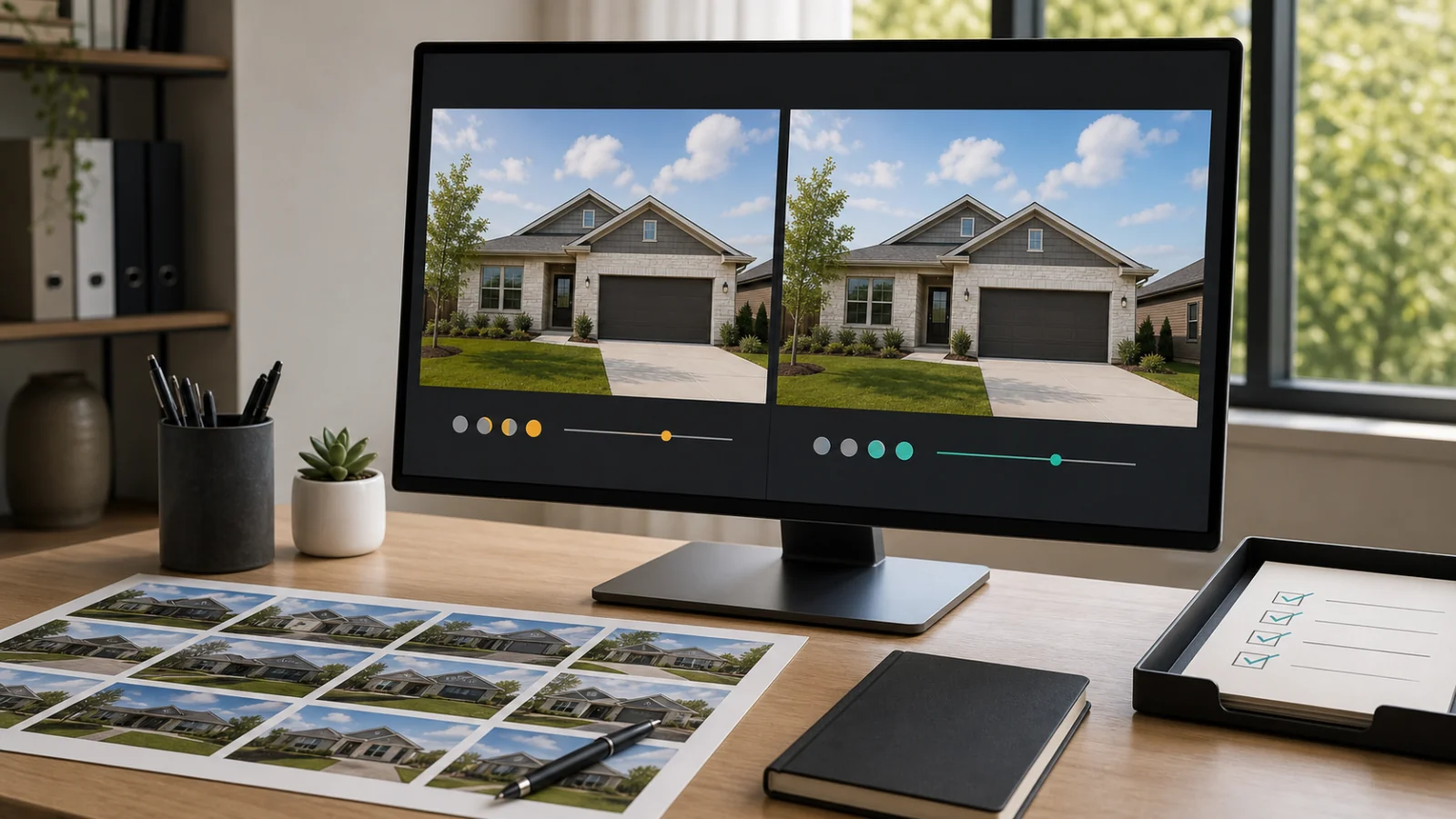
Before you use this guide: This article describes a practical risk-control workflow, not a certification or legal opinion. MLS policies, state laws, brokerage standards, and technical upload requirements vary and change. The listing broker remains responsible for confirming the rules that apply to a specific property and publishing destination.
MLS photo compliance is a workflow, not an image filter
AI can improve exposure, stage an empty room, remove temporary clutter, or create a day-to-dusk presentation in minutes. None of those outputs becomes appropriate for an MLS simply because it looks realistic. MLS photo compliance depends on what changed, whether the image still presents a true picture of the property, how the alteration is disclosed, whether the original remains available, and which local rules govern the upload.
A useful compliance workflow therefore begins with the source image and ends after the listing package has been checked in its destination. It records the edit request, limits changes to an approved scope, compares candidates against the original, marks deliberate finals, and exports only the files that satisfy the selected MLS or brokerage profile.
This approach is more reliable than asking an editor or AI model to make a photo MLS compliant. A model can follow a preservation brief, but it cannot determine every state law, local MLS policy, broker instruction, syndication behavior, or fact about the property. Those controls belong in the surrounding process.
Start by classifying the edit, not the tool
Compliance risk follows the effect of the edit, not whether it was made by AI, Photoshop, a photographer, or an outsourced editor. California AB 723 explicitly covers alterations made with photo editing software or artificial intelligence. Local MLS guidance likewise focuses on what was added, removed, replaced, or changed.
For production work, divide requests into service categories before editing. A narrow classification makes the brief clearer, sets the expected disclosure, and prevents a low-risk enhancement task from quietly turning into a renovation concept.
- Photo enhancement: exposure, white balance, color, sharpening, crop, and limited perspective correction that preserve the property representation.
- Virtual staging: adding or replacing movable furniture and decor while preserving architecture, surfaces, fixtures, views, and condition.
- Declutter: removing temporary personal items, loose objects, or privacy information without hiding defects or permanent elements.
- Day to dusk: changing the lighting presentation while preserving the building, landscaping, surroundings, and existing exterior features.
- Out-of-scope requests: reject changes that do not fit a controlled service and preservation policy.
- Concept or renovation visualization: an image that depicts a future or hypothetical property condition and should be separated from ordinary listing-ready exports.
Draw a firm line around property facts
The central compliance question is whether a reasonable viewer could form an inaccurate understanding of the property. Fixed or material facts include more than walls and room dimensions. Doors, windows, flooring, cabinets, appliances conveyed with the sale, built-in fixtures, roof lines, facades, landscaping, neighboring properties, utility infrastructure, views, and visible defects can all affect a buyer’s interpretation.
NAR Article 12 calls for a true picture in advertising, while Standard of Practice 12-10 specifically addresses misleading online content and images. Local policies turn that principle into concrete examples. CRMLS says users cannot add, remove, or modify real parts of a property such as wall color, flooring, cabinets, wall dimensions, or landscaping. Stellar MLS distinguishes removable furnishings from permanent fixtures and warns against removing utility lines or covering material flaws. Canopy MLS prohibits adding impossible elements, removing existing external elements, or concealing defects.
A preservation brief should name what must remain unchanged. Generic prompts such as make this room look better or clean up the exterior leave too much room for invention. Specify that the edit must preserve geometry, openings, fixed materials, fixtures, exterior context, views, shadows that reveal condition, and all visible defects.
Use risk gates before an image can become final
A generation system can produce several technically successful images, but technical success is not the same as publishing readiness. Review every candidate against the original before it can be marked final. The review should look for subtle changes as well as obvious inventions: shifted windows, enlarged rooms, straightened walls that alter proportions, replaced finishes, missing wires, softened stains, or a new landscape beyond the property line.
A simple operational model uses Ready and Blocked. Ready means the image passed the project’s current preservation and packaging checks; it does not mean universally compliant. Blocked means the image contains a prohibited change, lacks required source or disclosure data, or should remain a non-listing concept. When the reviewer is uncertain, the safe action is to withhold the image and obtain broker or MLS guidance rather than treating uncertainty as approval.
- Block changes to structure, permanent fixtures, room dimensions, or property boundaries.
- Block removal of defects, adverse surroundings, utility infrastructure, or other material context.
- Block invented amenities, views, landscaping, neighboring conditions, or features not included in the sale.
- Block an edited image that cannot be traced to the correct original.
- Block a publishing package that lacks the disclosure or original access required by its destination.
- Keep renovation concepts and other hypothetical images out of the listing-ready set unless the applicable rules expressly permit and properly classify them.
Keep candidates, finals, and originals distinct
An AI editing project may contain several candidates for one source photo and service. Those candidates are useful for comparison, but they should not all flow into a listing download. A final is a deliberate publishing selection, not merely the newest output. More than one candidate may be approved for different purposes, but each final must remain tied to its source and edit classification.
This separation prevents an attractive but unapproved experiment from being uploaded by mistake. It also makes revision history understandable: the team can see which source produced the image, which service and instructions were used, when it was generated, why it was blocked or selected, and whether its final status was later removed.
Use stable identifiers in the project database and export manifest. Filenames can be made human-friendly at download time, but they should not be the only source of truth. Two rooms may look similar, and manual renaming can destroy the original-to-edit relationship that a disclosure workflow depends on.
Build MLS profiles instead of one universal preset
MLS organizations differ on disclosure placement, image order, watermarks, branding, people in media, file format, dimensions, and maximum size. SmartMLS requires a visible stamp or watermark because its caption field does not travel reliably to third-party sites, and it specifies the as-is image before the altered image. CRMLS uses a photo description label and requires the original immediately before or after the altered version. Canopy MLS calls for a visible disclosure on the image or within a virtual tour and an adjacent or readily accessible original. ARMLS has system-provided watermark rules and prohibits ordinary branding and contact information in listing media.
Those differences are not edge cases. They are the reason a product should never promise that one exported image is MLS compliant everywhere. Instead, create a profile for the destination. The profile should define allowed edit categories, disclosure wording and placement, original pairing, image order, watermark restrictions, branding rules, and technical file settings.
Profiles must be versioned or rechecked. A saved preset is a convenience, not permanent legal truth. Display the source and last-reviewed date, and have the listing broker confirm the active rule before upload.
Prepare purpose-built listing and disclosure packages
Different recipients need different files. A client review set may contain multiple candidates and side-by-side comparisons. A marketing set may include branded assets for a website or social post. An MLS-oriented set should contain only approved finals, follow the local disclosure and original-pairing rules, and omit branding or contact information when prohibited.
A disclosure package can act as the project record even when the MLS upload itself uses a smaller set of files. It should make the source relationship obvious and include the selected image, original, edit classification, disclosure label, generation and approval timestamps, and any destination profile used. For California advertising covered by AB 723, the workflow also needs a public way to access and clearly identify the original image when the law requires it.
Do not put every candidate into the default listing archive. More files do not create more transparency if the recipient cannot tell which ones are approved. Keep the export concise, ordered, and named for the destination.
- Listing-ready package: approved finals only, destination-specific disclosure, correct original order, and no prohibited branding.
- Disclosure package: each final paired with its original plus classification, label, timestamps, and source mapping.
- Client review package: clearly identified candidates and before/after views that cannot be confused with approved publication files.
- Original archive: untouched source files retained separately from generated outputs.
- Concept package: hypothetical renovation or design visuals clearly separated from MLS-oriented assets.
Run a final photo-by-photo quality check
Batch review should not replace photo-level review. One incorrect image can create a misleading listing even when the other files are sound. Compare each final with its original at full resolution, then inspect the entire package in sequence. The sequence check catches missing originals, duplicate finals, inconsistent labels, and disclosure text that becomes unreadable in a thumbnail.
Technical checks matter too. Confirm the accepted file type, pixel dimensions, aspect ratio, file-size limit, photo-count limit, and color rendering for the target MLS. These requirements vary. Resizing every image to one national preset can produce unnecessary quality loss or an upload failure.
- The final still represents the actual architecture, condition, surroundings, and view.
- No defect or adverse property context was removed or obscured.
- Furniture and decor are plausibly scaled and do not imply a different room size.
- The correct original is present or linked wherever required.
- The disclosure remains clear in the exported file and destination preview.
- Image order matches the selected MLS rule.
- Branding, contact details, people, signs, and text overlays follow the destination policy.
- File format, dimensions, file size, and total photo count meet the active technical requirements.
- Only deliberate finals are included in the package.
Preserve an audit trail for corrections and client questions
Good records are useful even when no formal review occurs. A buyer may ask what was changed, a client may reverse a final selection, or an MLS may update its policy after a package was created. The team should be able to identify the original, edit instructions, generated candidate, selected final, disclosure method, destination profile, and the person who approved the handoff.
An audit trail also improves production quality. Repeated blocked reasons reveal which templates or prompts need stronger constraints. Approval history shows whether a file was sent before review. Source rights confirmation helps prevent the unauthorized reuse of listing photos owned by another photographer or brokerage.
Retain only the information needed for the workflow and protect private originals appropriately. Transparency does not require making every source image public by default; public access should be created deliberately when a law, MLS rule, delivery agreement, or user action requires it.
A scalable MLS photo compliance checklist
The most effective checklist is embedded in the same project where the images are selected and downloaded. It should stop a clearly unsafe export, surface missing information, and leave the final rule confirmation with the responsible listing professional.
- Rights: confirm permission to use, edit, distribute, and submit the source photos.
- Scope: classify every service and document the intended change before processing.
- Facts: preserve structure, fixtures, materials, dimensions, defects, surroundings, and views.
- Source: keep every edit bound to the correct immutable original.
- Selection: include only approved finals in publishing packages.
- Disclosure: apply the wording and placement required for the actual destination.
- Pairing: include or link originals in the required sequence.
- Media rules: remove prohibited branding, contact information, people, signs, and unsupported overlays.
- Technical rules: validate format, dimensions, size, count, and order.
- Approval: have the listing broker confirm the current state, MLS, brokerage, and destination requirements.
- Record: store the edit summary, source mapping, final status, profile version, and handoff date.
References
Official rules and guidance reviewed for this article. Verify the current policy before publishing.