
How to Choose an Overseas Real Estate Photo Editor—and Avoid Endless Revisions
Location is not the quality metric. Test the editor’s process, consistency, communication, security, and response to difficult source files.
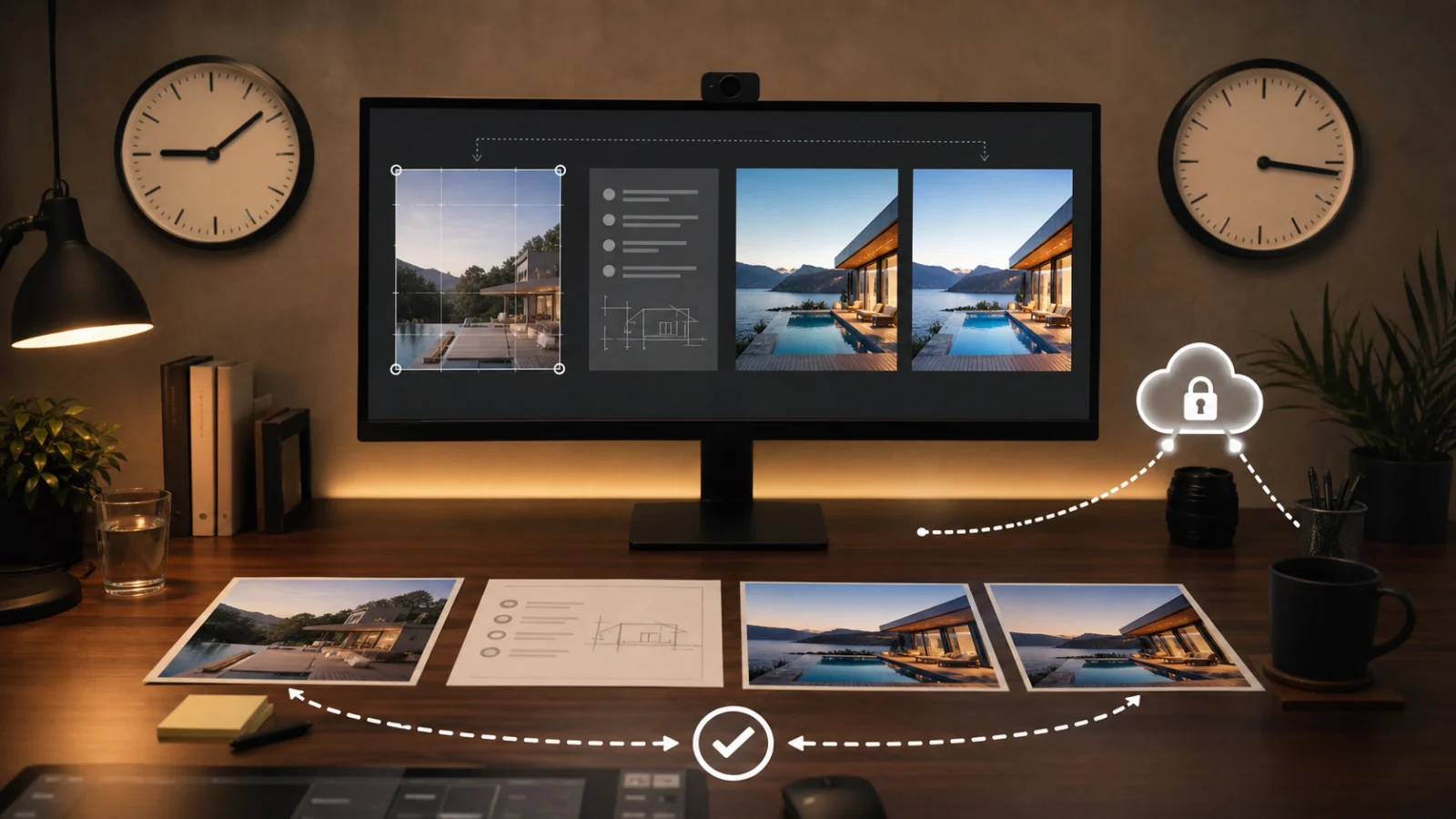
Choose an overseas real-estate photo editor by testing the production system, not by judging a portfolio or hourly rate alone. Send a paid, representative set that includes bright windows, mixed lighting, an exterior, fine edges, and one difficult frame. Provide your normal brief and compare color consistency, property fidelity, file handling, turnaround, and how the editor responds to one consolidated correction round. Ask who can access source files, how transfers are secured, how long files are retained, whether subcontractors are used, and what happens during outages or holidays. A strong editor makes expectations repeatable. If every delivery depends on explaining the same preference again, the apparent savings will become revision cost.
Start with your actual workflow
Before contacting editors, define:
- Typical images per job and jobs per week.
- RAW, bracket, JPEG, or flash sources.
- Required turnaround and time zone handoff.
- Standard edits and separately approved edits.
- Export size, color profile, file naming, and delivery method.
- Disclosure and source-pairing requirements.
- How rush jobs and corrections are handled.
Without this baseline, quotes describe different services. One vendor may include HDR merge and window blending; another may expect a merged JPEG.
Use a paid representative test
A free sample can reveal technical quality, but a paid test better reflects an actual client relationship and removes pressure to choose only the easiest image. Use a small set from one property:
- A bright-window living room.
- A mixed-light kitchen.
- A white or reflective bathroom.
- An exterior with foliage and roof edges.
- A dark or difficult room.
- If relevant, brackets or a window-pull set.
Do not send only portfolio-friendly bedrooms. The test should expose the workflow you need.
Score the output
Use the same criteria for every candidate:
- Exposure and highlight control.
- Neutral, coherent white balance.
- Window realism.
- Perspective and lens correction.
- Natural contrast and saturation.
- Fine-edge quality.
- Noise, sharpening, and compression.
- Consistency across the full set.
- Preservation of property condition.
- Correct files, names, and delivery structure.
Record pass, revision, or fail for each criterion. A scorecard is more useful than “I like this one.”
Test the revision experience
Send one consolidated annotation set. Include a real preference change and at least one correction to a missed requirement. Evaluate:
- Whether the editor asks useful questions.
- Whether the correction preserves already approved work.
- Whether the same issue appears in other images.
- Whether turnaround matches the agreement.
- Whether the editor distinguishes a correction from new scope.
Endless revisions often begin with ambiguous feedback. Your side of the workflow also needs one decision-maker, visual references, and consolidated notes.
Ask about people and automation
“Hand edited” and “AI edited” are not complete process descriptions. Editors may use presets, masks, generative cleanup, scripted exports, and human QC in different combinations.
Ask:
- Which tasks are automated?
- Who reviews the final?
- Are files sent to third-party AI services?
- Can generative tools be disabled for sensitive work?
- Does a different person handle revisions?
- Are subcontractors involved?
The concern is not tool purity. It is whether the workflow preserves property facts, client data, and repeatable quality.
Review security and retention
Property photos can reveal addresses, access details, possessions, documents, people, and occupancy. Ask for concrete answers:
- Transfer method and access control.
- Storage location and encryption.
- Retention and deletion schedule.
- Backup policy.
- Staff access and offboarding.
- Incident notification.
- Use of images for training or marketing.
Confirm contract terms appropriate to your clients and jurisdiction. A casual shared link with permanent public access is not a production security plan.
Plan for time zones
Time-zone separation can create a useful overnight handoff. It can also delay questions by a full day.
Set:
- Daily cutoff.
- Expected acknowledgement.
- Standard and rush turnaround.
- Revision cutoff.
- Weekend and holiday coverage.
- Escalation contact.
Run the test through the real clock rather than assuming “overnight” means the same hours to both parties.
Compare total cost
Include:
- Base per-image or per-job rate.
- HDR, flambient, twilight, staging, and decluttering add-ons.
- Revision and rush charges.
- Transfer or platform fees.
- Your internal review time.
- Failed-delivery and reshoot risk.
Low unit cost with frequent rework can be the most expensive option. Public pricing pages are useful references, but verify current scope and rates directly.
Start with a limited production phase
After the paid test, route a small number of ordinary listings before giving the editor the full queue. Keep the previous workflow available during this period. Review:
- On-time delivery across several days.
- Consistency when volume changes.
- Response to one real correction.
- File security and archive behavior.
- Coverage during holidays or staff changes.
- Whether approved preferences persist.
Increase volume only after the process, not just the image quality, is stable.
Create an exit and continuity plan
Keep sources and accepted finals in storage you control. Document the current brief, presets or reference images, file naming, delivery structure, and open projects. The agreement should explain how files are returned or deleted when the relationship ends.
A backup editor should be tested with the same reference set. Continuity does not require sending duplicate work every week; it requires a proven path when the primary editor is unavailable.
Review the arrangement periodically against actual correction rate, turnaround, and security—not only the original quote.
Warning signs
- Portfolio images cannot be tied to the editor’s own work.
- The test avoids difficult frames.
- Fixed features or views change without approval.
- Every correction causes unrelated changes.
- File-security answers are vague.
- The editor cannot describe who reviews work.
- Turnaround promises have no cutoff or exception policy.
- Communication relies on one person with no continuity plan.
Frequently asked questions
Should I choose an individual or a studio?
An individual can offer continuity and direct communication. A studio may offer capacity and coverage. Test the actual team and escalation path, not the label.
Is a free test enough?
It is an initial screen. A paid production test better measures communication, delivery, and revision behavior under realistic conditions.
How many editors should I keep?
Maintain a primary workflow and a tested backup if delivery is business-critical. Avoid splitting one listing across editors unless color standards are tightly controlled.
Should I allow generative AI?
Decide by task and client policy. Require source fidelity, disclosure where applicable, and clear data handling regardless of the tool.
How do I reduce revisions?
Use an approved reference set, explicit scope, measurable QC, one decision-maker, and annotated consolidated feedback.
The AI photo editing workflow provides a project structure you can adapt to any editor.
Establish a repeatable baseline
Use Curbora to build a consistent first-pass editing workflow or benchmark an external editor against the same source set. Try the real estate photo editor.